
28 September 2026 · 6 min read
How to make an online wedding card in Pakistan, step by step
From choosing a design to sending personal links on WhatsApp: the whole process for an online shadi card, what it costs and how long it takes.
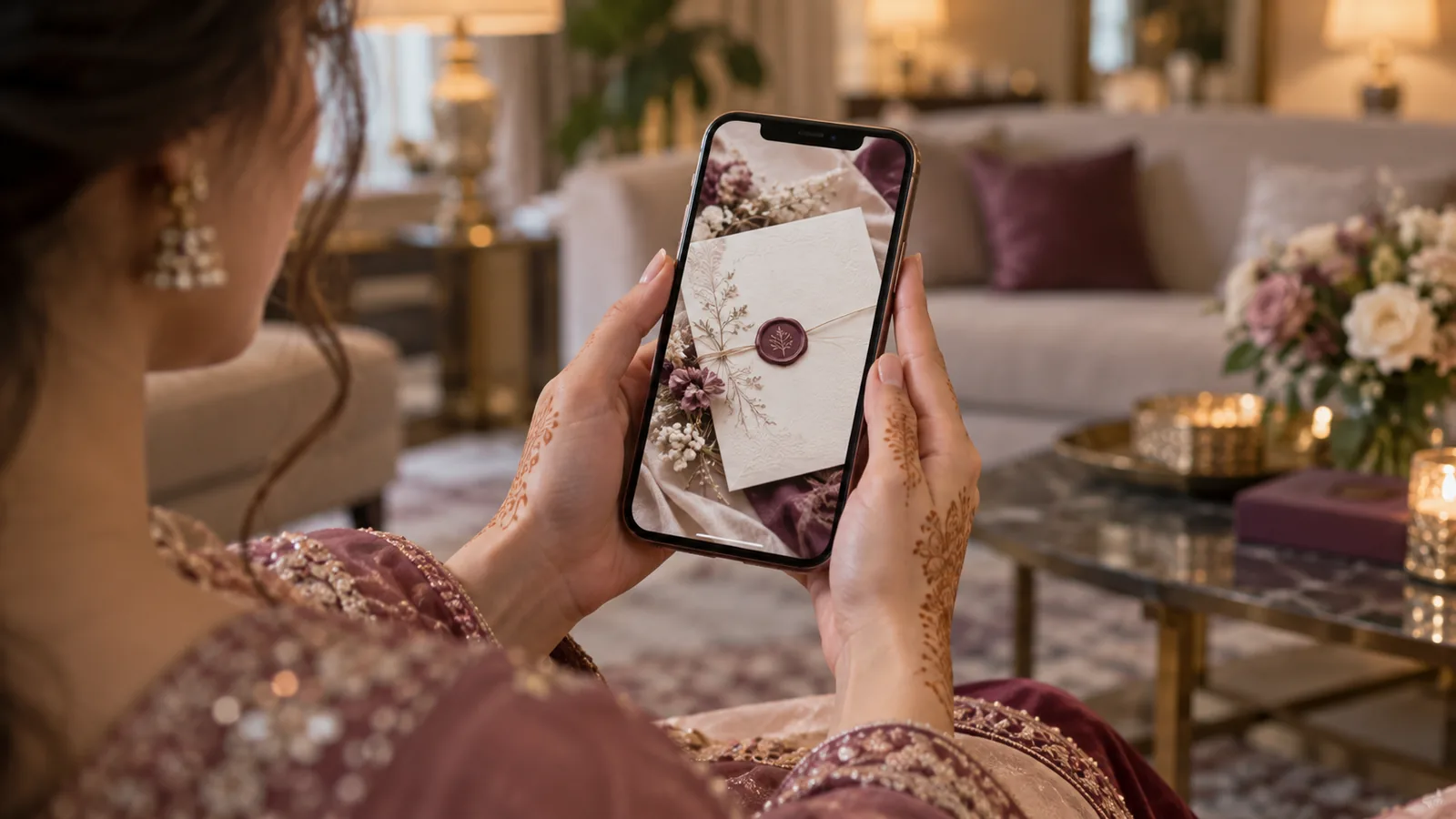
An online wedding card is a web page with its own link that you send on WhatsApp instead of, or as well as, a printed card. Guests open it on their phone, tap the venue for directions, add the Baraat to their calendar, and see every change you make without receiving a new file. Here is how to make one, from start to finish.
Step 1: Choose a design, on your phone
Open the collection and scroll through the designs the way a guest would. Every design on Dawatnama is a working demo, so what you see is exactly what your guests will see. Wedding designs are on the wedding invitations page and birthday designs on the birthday page.
Step 2: Try it with your own names, free
Before paying, type your names and the main date into the free try page and open the result on your phone. Send it to your sister. If it does not feel right, try another design. It costs nothing.
Step 3: Create your account and fill in the details
- The couple's and parents' names, in English and Urdu if you want both.
- Each function: Dholki, Mehndi, Nikkah, Baraat, Walima, with date, time and venue.
- A map link for every venue.
- Family contact numbers, which guests can tap to call.
- A photo or a song, if the design uses one.
The card saves as you go, and you can keep editing it for the whole access period. If you would rather not do this yourself, add the setup service at checkout and we will enter everything from the details you send.

Step 4: Choose how many private links you need
The card price is Rs 4,999, one time, for three months of access, and it comes with one general link you can send to anybody. If you want each guest greeted by name with their own seat count, add a pack of private links: 30, 120 or unlimited. More in what a digital wedding invitation actually costs.
Step 5: Pay by bank transfer
Place the order and send the amount to the bank account shown (the JazzCash and Easypaisa apps can send to a bank account too), and enter the transaction ID. We confirm the payment, usually within a few hours, and your card goes live. You get an email with the link the moment it does.
Step 6: Add your guests
In your panel, open Guests. You can add one family at a time, or paste your whole list in one go, one family per line with the headcount after a comma. For each family, tick the functions they are invited to. Each one gets a private link that says their name, how many places are held for them, and shows only their functions.
Step 7: Send it on WhatsApp
Every guest has a WhatsApp button next to their name that opens a chat with the message and link already written. Our guides to sending your invitation on WhatsApp and WhatsApp invitation messages cover the rest.
How long it takes
Choosing a design: an evening. Filling in the details: about half an hour. Adding a hundred guests from a list: ten minutes. The whole thing can be live on the same day, which is not something a printer can promise.
Still comparing? Read what to check before you buy a digital invitation, or look through the common questions.